

Without PairPlay
Shared earphones and tangled wires
200 ms
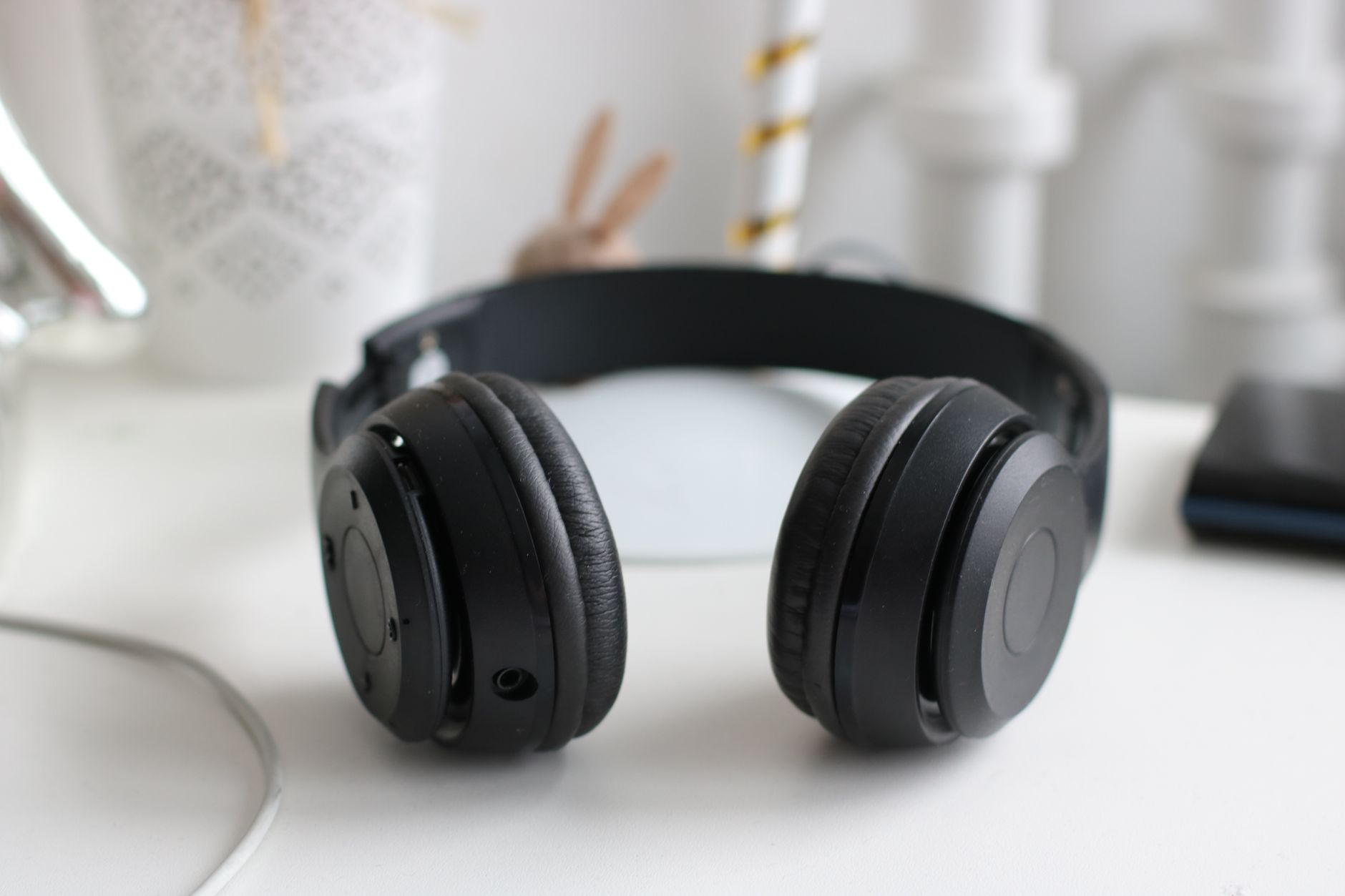
One splitter, tangled cables, and lips that never match the audio when you try connecting Bluetooth.
Stop sharing a single pair of wired earbuds. PairPlay streams crystal-clear system audio to multiple Bluetooth headphones and soundbars at the exact same time — with millisecond latency compensation for perfect lip-sync.
Seamlessly compatible with 100% of Bluetooth and wired audio hardware
The Difference
Windows was never built to drive multiple Bluetooth sinks at once. Here is what changes the second PairPlay is running.
One splitter, tangled cables, and lips that never match the audio when you try connecting Bluetooth.

Each pair gets its own volume level and offset. Perfect lip-sync across all headphones with zero cables in sight.
Value Drivers
Boost or lower the sound on each headphone independently — your partner can turn it down while you keep it loud.
Presets that reconfigure every output instantly.
Average CPU load while routing two live Bluetooth sinks. No fan noise, no battery drain.
CPU usage · native Windows build (macOS coming soon)
Every running program gets its own destination and its own level.
Feature Deep Dive
Keep your Spotify playlist in your wireless earbuds while the Teams meeting stays sealed inside your communication headset. Every active program on your PC gets its own volume slider and its own destination dropdown.
Feature Deep Dive

Links two pairs of Bluetooth headphones with a latency offset tuned for perfect lip-sync.

Game sound to the high-end DAC while Discord voice chat stays isolated in the comms earphones.
Routes Lo-Fi beats to the noise-cancelling headphones and holds them at a steady working level.
Feature Deep Dive
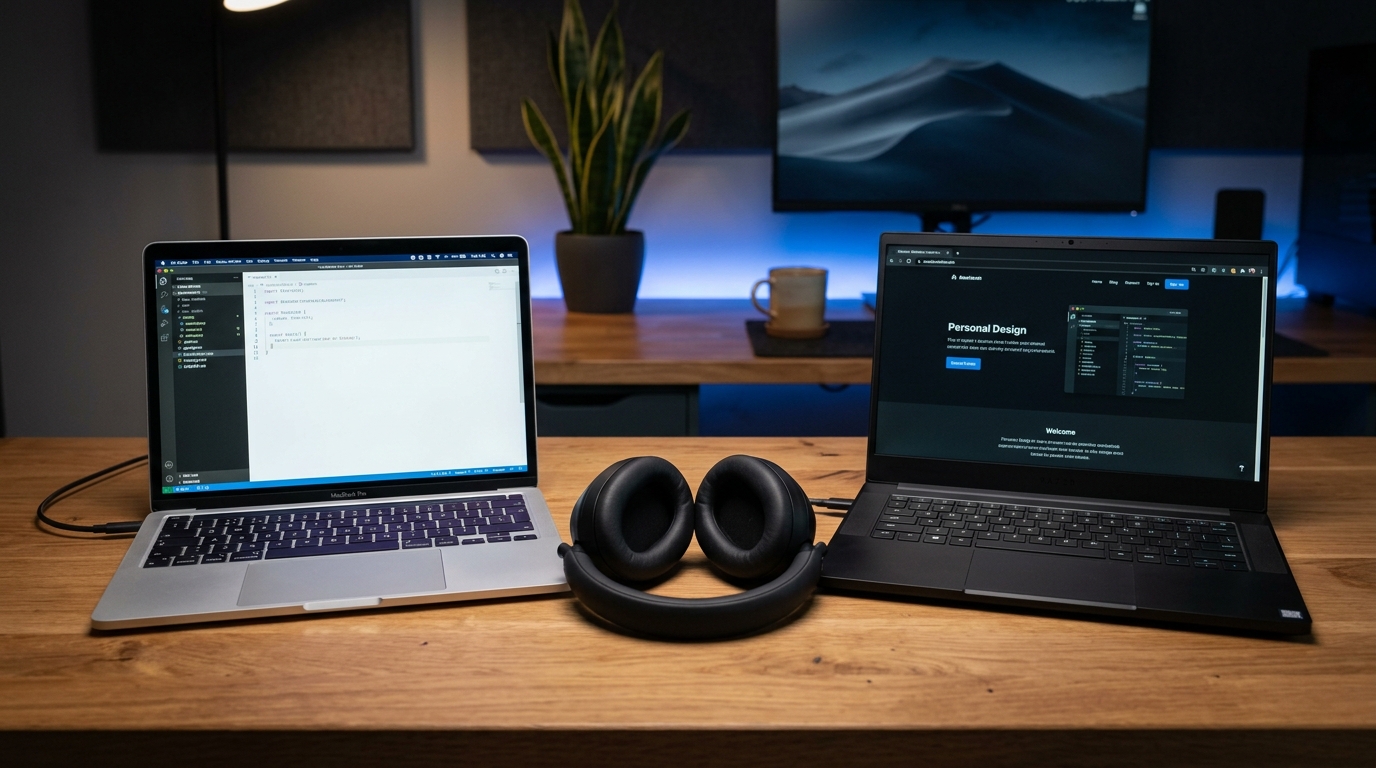
Stream and blend audio from your work laptop and personal PC over local Wi-Fi. Listen to both computers in full stereo, or separate them into different ears — no physical cables or expensive hardware mixers required.
Streams audio between two computers on your local network with ultra-low latency and zero audio delay.
Keep work meetings and calls isolated in your left ear, while personal music or podcasts play in your right ear.
Auto-discovers other PCs on your local Wi-Fi network with secure 4-digit PIN authentication.
Control the volume level of both computers independently right on your screen.
How It Works
Launch the native app on your Windows PC (macOS coming soon). No drivers, no restart, no virtual cable setup.
Tick the headphones and speakers you want streaming at the same time.
Nudge the offset until lips match audio, then start the movie together.
Comparison
| Capability | PairPlay | Windows Default | Voicemeeter | Hardware Splitters |
|---|---|---|---|---|
| Multi-Bluetooth streaming | Yes | No | Complex | Wired only |
| Independent volume controls | Yes | No | Complex | Shared |
| Per-device latency sync | Yes, in ms | No | No | No |
| Per-application routing | Yes | No | Partial | No |
| Cross-device audio bridge (DeviceMixer) | Yes | No | Complex | Hardware mixer only |
| Setup time | 10 seconds | Not supported | 30+ minutes | Messy cables |
Resource Hub

Pricing
Instant digital license key. Fully compatible with Windows 10 and Windows 11. (macOS support coming soon).
Cancel anytime • Perfect for trips & testing
Save 64% ($2.16/mo)
One-time payment • Lifetime updates
FAQ
By default, Windows 10 and 11 only output system audio to one device at a time. With PairPlay, connecting multiple headphones takes just 10 seconds:
Step 1: Pair both Bluetooth headphones in Windows Settings (Bluetooth & devices > Add device).
Step 2: Launch PairPlay — all paired and connected headphones appear automatically in your device list.
Step 3: Toggle the ON switch for each headphone you want to hear sound through.
That's it! Your laptop will instantly stream YouTube, Netflix, Spotify, or PC game audio to both headphones simultaneously with independent volume controls.
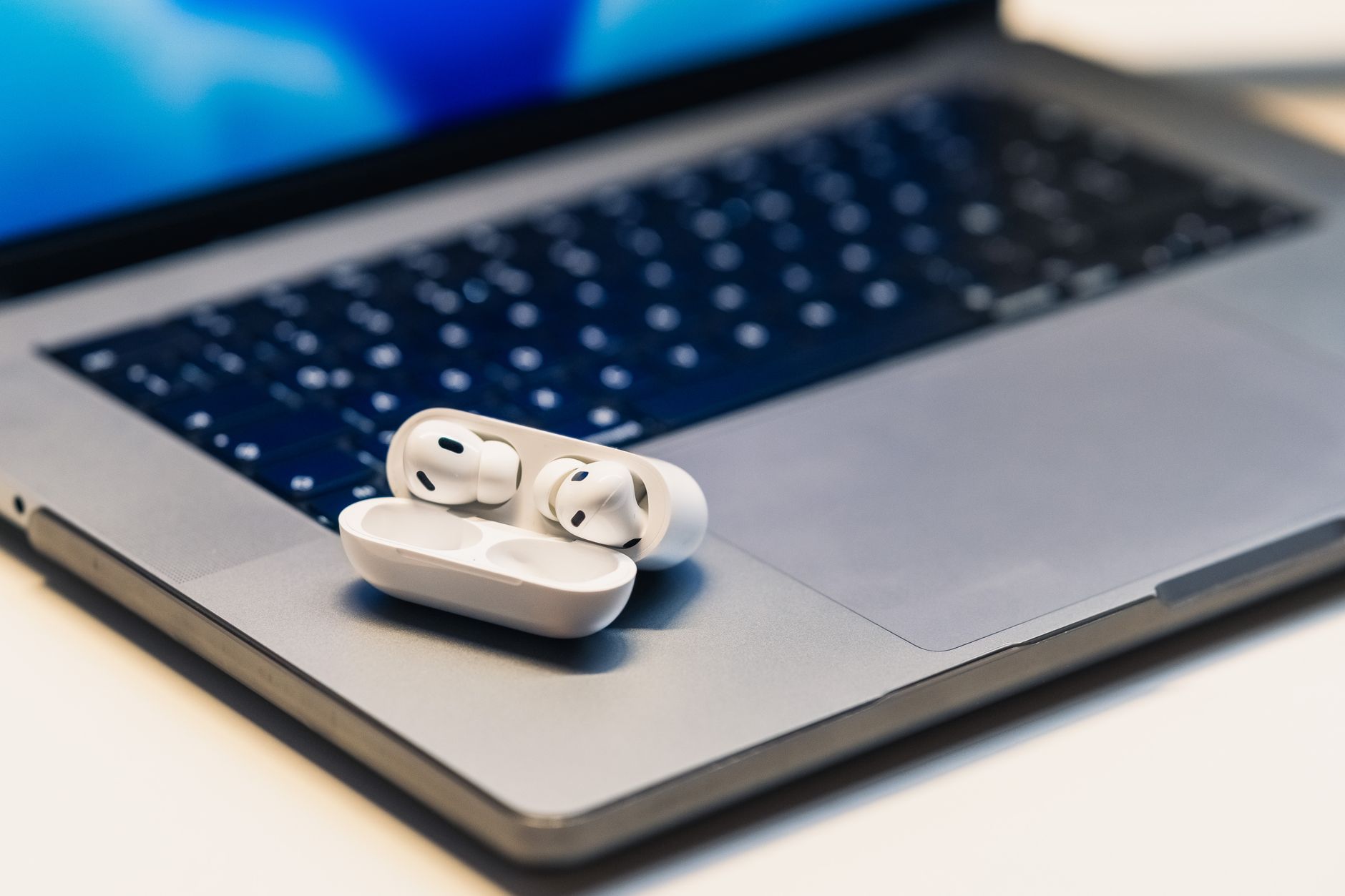
Yes! While Apple's native Audio Sharing is restricted to Apple devices, PairPlay brings dual AirPods audio sharing to Windows 10 and 11. You can connect two pairs of AirPods Pro, AirPods Max, or standard AirPods to play system audio simultaneously with independent volume sliders.
Physical 3.5mm splitters only work for wired cords, reduce volume by 50%, and force both listeners to share a single volume level. Physical splitters cannot connect wireless Bluetooth headphones. PairPlay is software-based: it routes Windows audio to multiple Bluetooth and wired headphones simultaneously with independent volume sliders for each listener.
Yes. Voicemeeter is a virtual audio mixing console requiring virtual cables, sound control panel reconfigurations, and driver buffer management without simple Bluetooth delay compensation. PairPlay works out of the box in 10 seconds, uses <0.1% CPU, and includes a built-in Latency Offset slider for dual Bluetooth headsets. Read our complete Voicemeeter vs. PairPlay comparison guide.
Different Bluetooth headphones buffer audio at different latencies (e.g. 50ms vs 150ms), causing an annoying echo. PairPlay includes a built-in Latency Offset slider that lets you delay the faster device by exact milliseconds, synchronizing both audio streams for frame-perfect lip-sync.
Yes. PairPlay routes audio across any combination of audio endpoints recognized by Windows, including Bluetooth headphones, 3.5mm wired jacks, USB headsets, and HDMI soundbars.
Yes. PairPlay routes at the Windows system audio level, so any headset your PC can pair with — AirPods, Sony, Bose, Beats, Sennheiser, JBL, and gaming headsets — works seamlessly, alongside wired 3.5mm outputs and HDMI soundbars.
Free 7-day trial for Windows 10 & 11. Instant download, no credit card required. macOS version is currently in development and coming soon!
Download PairPlay for Windows