
Why Buy an Expensive Audio Splitter, Mixer, or Auracast Dongle? (Hardware vs. Software Guide)
Stop wasting $50 to $150 on physical 3.5mm splitters, USB mixer boxes, and Bluetooth Auracast dongles. Here is why hardware fails on Windows 11 and why software is the cleaner, cheaper solution.
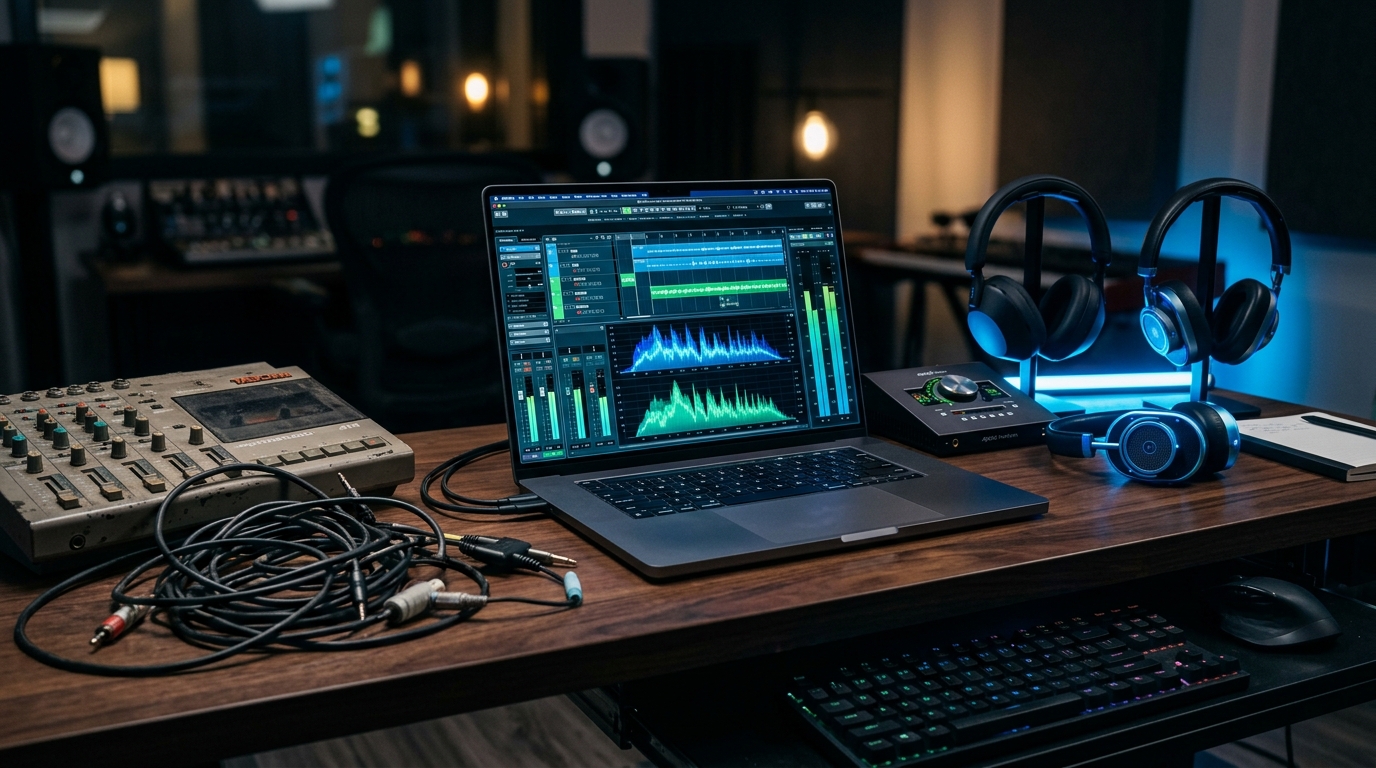
Are you considering buying a \$15 audio Y-splitter cable, a \$60 to \$100 Bluetooth Auracast USB dongle, or a \$200 desktop audio mixer to split sound between two headphones or balance work and gaming audio?
Before you waste your hard-earned money, you need to understand a frustrating reality: physical audio hardware introduces severe compromises on modern Windows 10 and 11 PCs.
From 50% volume drops and loud electrical buzzing to zero compatibility with Apple AirPods and bulky desk clutter, hardware solutions solve one problem while creating three new ones. In this comprehensive hardware vs. software breakdown, we explain why physical splitters, audio mixers, and Auracast transmitters fail—and why PairPlay provides a faster, cleaner, zero-cost software alternative.
Cuts audio volume by 50%, creates ground loop buzzing, and only works with wired cables.
Requires \$60+ dongles, incompatible with AirPods & 95% of existing headphones, and disables mics.
Works with 100% of existing headphones, 0 hardware, millisecond sync, and per-app routing.
The 3 Hardware Traps: Why Physical Splitters & Mixers Fail
When Windows users want to share movie audio with a partner, listen to a tutorial while in a Teams meeting, or combine two laptops into one headset, their first instinct is to buy hardware. Here is what happens when you plug them in:
The 3.5mm Passive Y-Splitter Cable
A passive 3.5mm Y-splitter takes the analog electrical signal from your laptop's headphone jack and physically forks the copper wire into two female ports.
Splitting voltage in parallel across two sets of drivers halves the power. You must crank Windows to 100%, causing harsh audio distortion and clipping.
The moment you plug your laptop into its AC charger, electrical grounding differences produce a persistent, infuriating buzzing hum in your ears.
If one person uses 16Ω earbuds and the other uses 80Ω over-ears, current takes the path of least resistance—earbuds become piercingly loud while headphones are muffled.
Over 85% of people now listen on wireless Bluetooth earbuds or AirPods. A wired 3.5mm splitter is completely obsolete for modern wireless setups.
Bulky Hardware Mixers & Audio Interfaces
Broadcasters and dual-PC gamers frequently buy studio hardware mixers (Yamaha MG06X, GoXLR Mini, Behringer Xenyx, or Rodecaster) to blend audio from two machines.
Requires an AC power brick, USB cables, 3.5mm-to-1/4" TRS adapters, and ground-loop filters. Your clean desk turns into an electronics workshop.
You cannot pack a 2-pound metal mixer box, power adapter, and 4 audio cables when traveling on a train, flight, or working from a coffee shop.
Mixers only output to analog 1/4" jacks. To listen on your AirPods or Sony WH-1000XM5, you must buy an external Bluetooth transmitter with terrible 250ms latency.
Proprietary ASIO and USB audio interface drivers are notorious for causing Blue Screens of Death (BSOD) and audio stutters after Windows 11 updates.
The Bluetooth Auracast Reality Check
Bluetooth Auracast is the new broadcast protocol developed by the Bluetooth SIG. It promises unlimited headphone broadcasts using Bluetooth 5.2/5.3 LE Audio and LC3. But here is what marketing doesn't mention:
Auracast requires dedicated LE Audio chips on both the PC and headphones. Standard Bluetooth headphones cannot receive Auracast broadcasts without new hardware.
AirPods (Gen 2/3/4), AirPods Pro (1/2), and AirPods Max do not support Auracast. If either you or your partner owns Apple headphones, Auracast is dead on arrival.
Windows 11 lacks built-in Auracast broadcast transmitters. You must buy an external USB-C transmitter dongle (MoerLabs or Creative) costing \$60 to \$100.
Auracast is strictly a one-way listening stream like an FM radio. It deactivates your headphone microphone, making Discord, Zoom, or Teams calls impossible.
Hardware vs. Software Comparison Matrix
Here is how physical splitters, audio mixers, and Auracast dongles compare against PairPlay's 100% native Windows software engine:
The Modern Solution: PairPlay (Zero Hardware, 100% Software)
Instead of buying dongles, cables, and bulky mixer boxes, modern operating systems are fully capable of handling multi-stream digital audio in software. PairPlay interacts directly with the Windows 10 and 11 audio subsystem (WASAPI) to provide everything hardware fails to deliver.
How to Route & Split Audio with PairPlay
PairPlay works with 100% of the headphones you already own—whether you have Apple AirPods, Sony WH-1000XM, Bose QC, Galaxy Buds, gaming headsets, or wired 3.5mm headphones.
5-Step Setup Guide:
Instant Windows 10 & 11 setup · No credit card required · Zero hardware needed
Frequently Asked Questions (FAQ)
Is Bluetooth Auracast worth buying a dongle for in 2026?
Can a physical 3.5mm splitter damage my laptop sound card or headphones?
Why does my audio buzz or hum when using a physical cable splitter?
Can I use PairPlay if one person has AirPods and the other has wired headphones?
Do I need administrative privileges or virtual audio cables to install PairPlay?
Summary: Stop Buying Hardware for Software Problems
Don't waste \$20 on crackling Y-splitters, \$100 on Auracast dongles that your AirPods cannot receive, or \$200 on bulky studio mixers. Download PairPlay to unlock clean, wireless, multi-stream audio routing natively on Windows 10 & 11 today.
Ready to Upgrade Your Windows 11 Audio?
Download PairPlay today to eliminate Bluetooth lag, route applications, and connect multiple headphones with 100% sync.
Download Free 7-Day Trial